


Google Workspace has become an essential part of modern business operations. Companies depend on Gmail for communication, Google Drive for important files, Google Calendar for scheduling, and Contacts for maintaining business relationships. With so much valuable information stored in the cloud, simply relying on the primary platform may not be enough. A dedicated Google Workspace backup strategy can provide an additional layer of protection against accidental deletion, account-related issues, unexpected interruptions, and other situations that can make critical business data difficult to access.
Why Businesses Need Google Workspace Backup
Cloud availability and data backup are two different things. While Google provides infrastructure and security for its services, businesses still need a strategy for protecting their own information. An employee may accidentally delete an important email, essential Drive files may be removed, or an account may become inaccessible. Without an independent copy of the data, recovering important information can become complicated.
A proper Google Workspace backup solution helps organizations maintain local copies of essential mailbox and Drive data. This gives administrators greater control over their information and provides a practical recovery option when original data is unavailable.
What Makes Google Workspace Backup Difficult?
Manually backing up multiple Google Workspace accounts can quickly become a time-consuming task. Organizations with dozens or hundreds of employees cannot efficiently download every mailbox individually. Large amounts of email and Drive data also require considerable storage and processing time.
Another challenge is maintaining regular backups. A one-time backup protects only the data available at that particular moment. New emails, contacts, calendar entries, and files created afterward also need protection. This is where automation and incremental backup become important.
A Complete Solution for Google Workspace Data Protection
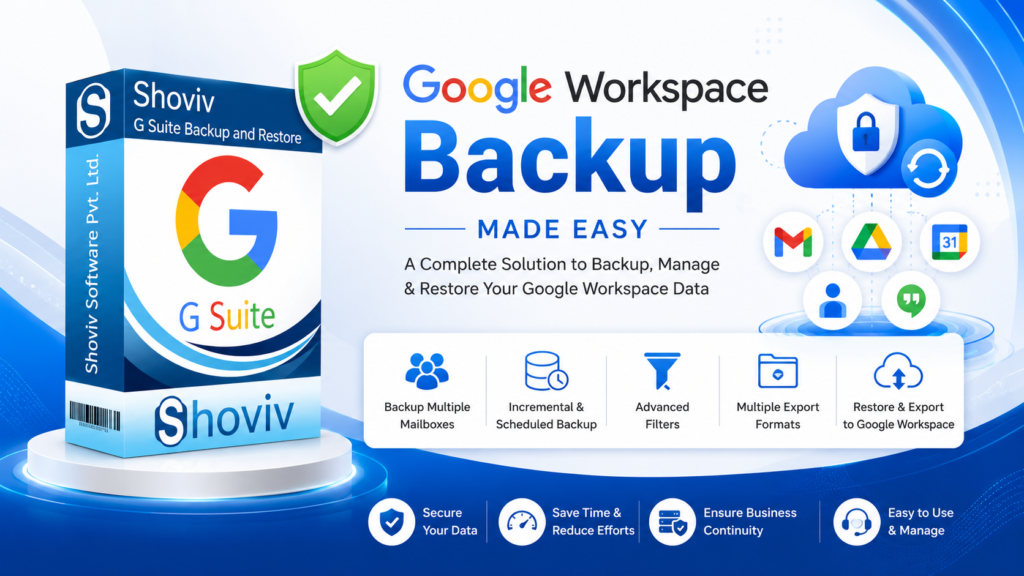
The Shoviv Google Workspace Backup Tool is designed to simplify these challenges by providing backup and restore capabilities through a centralized application. It can back up multiple Google Workspace mailboxes using super administrator credentials in a single process. The software supports Gmail emails, contacts, calendars, and Google Drive data, helping businesses protect information across multiple Google Workspace services.
For mailbox backup, users can save data in several formats, including PST, MBOX, MSG, EML, HTML, and MHT. This flexibility is useful when organizations need to archive data locally, access it through different email applications, or prepare it for future migration and recovery requirements.
Save Time with Incremental and Scheduled Backup
One of the most useful features for recurring Google Workspace backup is incremental backup. Instead of repeatedly processing the complete mailbox, Shoviv’s incremental functionality backs up changes after the previous backup and helps prevent duplicate items. It can also resume an interrupted process, which is useful when connectivity or other technical issues interrupt a backup job.
The built-in scheduler further reduces manual work by allowing businesses to schedule backup jobs periodically, including daily, weekly, or monthly operations. This helps organizations establish a consistent backup routine without requiring administrators to manually start every task.
Selective Backup and Google Drive Protection
Not every backup operation needs to process every item. Shoviv provides filtering options that allow users to include or exclude mailbox data based on their requirements. For Google Drive backup, filters can be applied based on folders, dates, file extensions, and file size. Multiple Google Drives can also be processed concurrently as job-based tasks.
The tool also supports restoring or exporting files such as PST, OST, OLM, MBOX, MSG, and EML to Google Workspace mailboxes. This makes it more than a simple backup utility—it can also assist with recovery and bringing previously stored email data back into Google Workspace.
Build a Smarter Google Workspace Backup Strategy
A reliable backup strategy should combine regular protection, automation, flexible storage formats, selective filtering, and dependable recovery. The Shoviv Google Workspace Backup Tool brings these capabilities together while supporting multiple mailboxes and Google Drive data.
For businesses that want greater control over their Google Workspace information, automated backups can reduce administrative effort and improve preparedness for unexpected data-access problems. With incremental backup, scheduling, multiple-account processing, filtering, multiple export formats, and restore capabilities, Shoviv provides a comprehensive approach to Google Workspace backup and recovery.
Read more to Backup Google Workspace Emails.