

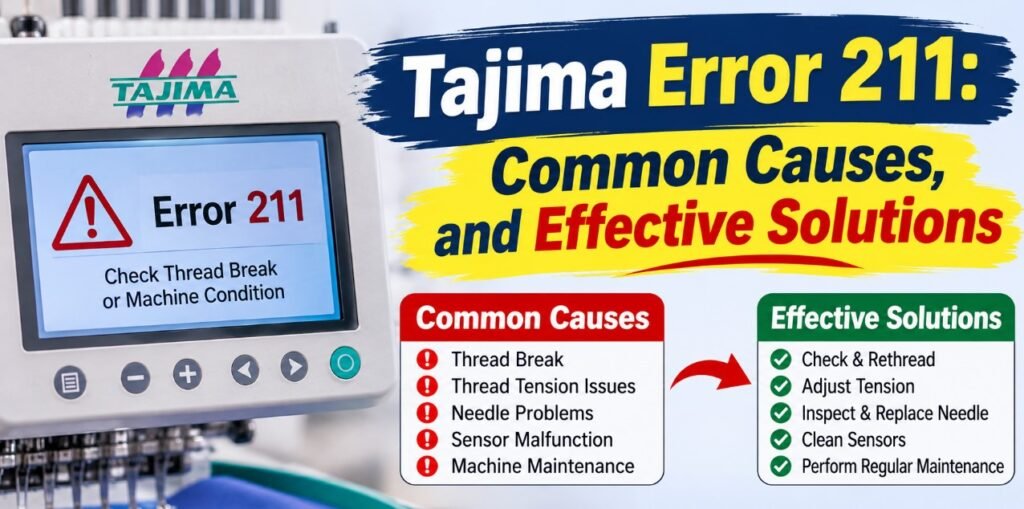

Embroidery machines rely on accurate mechanical movement and electronic signals to produce consistent stitching results. However, technical issues can interrupt production and affect machine performance. One such issue is Tajima Error 211, which is associated with the main shaft positioning signal.
When this error appears, the machine may stop operating because it cannot identify the correct stopping position of the main shaft. Understanding the possible causes and appropriate troubleshooting methods can help operators identify the problem, reduce production delays, and avoid unnecessary repair costs.
This guide explains what Tajima Error 211 means, its common causes, practical troubleshooting steps, preventive maintenance measures, and answers to frequently asked questions.
What Is Tajima Error 211?
Tajima Error 211 is a main shaft fixed position signal error. It occurs when the machine cannot properly detect the main shaft’s designated stopping position, which is associated with the main shaft Z signal.
The main shaft plays an important role in coordinating the machine’s mechanical operations. It must return to a specific position when the embroidery process stops. This positioning allows different components to remain synchronized during operation.
When the required position signal is missing, interrupted, or incorrectly detected, the control system may display Error 211. In many cases, checking the main shaft position and inspecting the related encoder signal are important parts of the troubleshooting process.
Common Causes of Tajima Error 211
Several mechanical and electrical problems may contribute to this error. Identifying the actual cause is important before attempting any corrective action.
Incorrect Main Shaft Position
The main shaft may stop outside its designated position because of an unexpected interruption, incomplete stopping process, or manual operation. When the shaft does not return to the required position, the machine may fail to recognize its stopping status and display Error 211.
Encoder Signal Failure
The encoder provides position information to the machine’s control system. If the encoder signal becomes interrupted, unstable, or unavailable, the system may not recognize the correct main shaft position. A faulty encoder or damaged signal connection may require professional inspection.
Mechanical Obstructions
Thread buildup, dust, lint, and debris can interfere with the movement of mechanical components. These obstructions may create resistance and prevent the shaft from reaching its intended position. Regular cleaning helps reduce the possibility of problems caused by accumulated debris.
Loose Electrical Connections
Damaged wiring, loose connectors, or poor electrical contact can interrupt communication between the encoder and the control system. These problems may cause inconsistent position readings and trigger an error message.
Worn or Damaged Components
Mechanical wear can affect the movement and positioning of the main shaft. Damaged belts, drive components, or related parts may contribute to positioning problems. A qualified technician should inspect these components when mechanical damage is suspected.
How to Fix Tajima Error 211
Before troubleshooting, stop the embroidery operation and follow the machine’s safety instructions. Disconnect the power before inspecting internal mechanical components. Never attempt to handle moving parts while the machine is operating. The following steps can help identify the source of the problem.
Step 1: Check the Main Shaft Position
Begin by checking whether the main shaft has returned to its designated stopping position. Depending on the machine model, the position may be checked through an indicator or degree wheel. If the shaft is incorrectly positioned, follow the manufacturer’s instructions for returning it to the correct position. Some machine models provide an appropriate positioning function for this purpose.
Step 2: Inspect for Thread and Debris
Check accessible mechanical areas for accumulated lint, loose threads, and other obstructions. Pay attention to areas around the rotary hook and other moving components. Remove accessible debris only after switching off the machine and following the recommended safety procedure. If the shaft experiences unusual resistance, avoid forcing it into position.
Step 3: Examine Encoder and Connections
If the main shaft appears correctly positioned but the error remains, the encoder signal may be interrupted. A qualified technician should examine the encoder, wiring, connectors, and related electrical components. Damaged connections or encoder faults may require repair or replacement.
Step 4: Restart the Machine
After addressing an obvious positioning issue, follow the manufacturer’s recommended reset procedure. Restart the machine and check whether the error has disappeared. If the same error appears again, avoid repeatedly resetting the equipment without investigating the underlying cause.
Step 5: Arrange Professional Inspection
If the previous steps do not resolve the issue, professional diagnosis is recommended. Persistent Error 211 messages may indicate an encoder malfunction, electrical connection problem, mechanical wear, or another technical fault that requires specialized equipment and knowledge.
Preventive Maintenance Tips to Avoid Tajima Error 211
Regular maintenance can help reduce unexpected machine interruptions and improve operational reliability.
Consider the following practices:
- Clean the machine regularly: Remove dust, lint, and loose threads from accessible mechanical areas.
- Follow lubrication instructions: Use suitable lubricants and maintain the schedule recommended in the machine’s operating manual.
- Inspect mechanical components: Check belts, moving parts, and related components for visible damage or excessive wear.
- Monitor unusual machine behavior: Pay attention to unexpected noise, vibration, or resistance during operation.
- Check electrical connections: Arrange routine inspections of encoder wiring and connectors.
- Train machine operators: Make sure operators understand correct stopping procedures and basic troubleshooting practices.
Following a consistent maintenance schedule can help identify developing problems before they interrupt production.
Frequently Asked Questions About Tajima Error 211
What does Tajima Error 211 mean?
Tajima Error 211 indicates a problem with the main shaft fixed position signal. It occurs when the machine cannot properly detect the shaft’s designated stopping position.
Can Tajima Error 211 be fixed without professional assistance?
Some basic positioning issues may be resolved by following the machine’s approved operating instructions. However, encoder faults, damaged wiring, and mechanical problems should be inspected by a qualified technician.
Can a faulty encoder cause Tajima Error 211?
Yes. The encoder provides important position information to the machine’s control system. If its signal becomes interrupted or unreliable, the machine may fail to recognize the correct main shaft position.
How can I prevent Tajima Error 211 from happening again?
Regular cleaning, proper lubrication, mechanical inspections, and monitoring electrical connections can help reduce the likelihood of related problems. Following the machine’s maintenance instructions is also important.
Conclusion
Tajima Error 211 is associated with the main shaft fixed position signal and can interrupt normal embroidery operations. Common contributing factors include incorrect shaft positioning, encoder signal problems, mechanical obstructions, loose electrical connections, and worn components.
The most effective approach is to identify the underlying cause rather than repeatedly resetting the machine. Basic troubleshooting, proper maintenance, and professional technical assistance when necessary can help restore normal operation and reduce future interruptions.
By following recommended operating procedures and maintaining the equipment regularly, embroidery operators can improve machine reliability, minimize production delays, and maintain consistent stitching quality.