
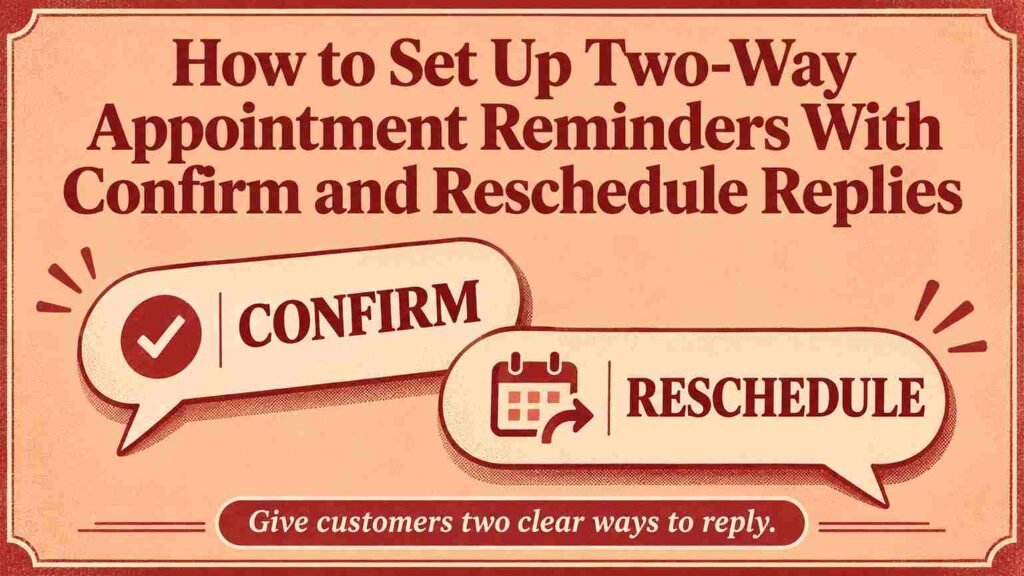

A two-way appointment reminder gives customers a way to respond directly to a text. A customer can reply CONFIRM to say they plan to attend or RESCHEDULE to ask for a different time. The workflow then records the reply, directs the customer to the next step, or alerts a staff member when the request needs attention.
Businesses using automated appointment reminders can start with one appointment type, such as a sales consultation or an onsite estimate. The most important decision is what each reply should do to the specific appointment. A confirmation records attendance intent. A reschedule request keeps the original booking in place until a new time is accepted or staff explicitly cancel it.
1. Define What Each Appointment Reply Should Do
The workflow should recognize a small number of clear replies and give everything else a route to staff. Before writing the message, the business should decide how to handle unanswered reminders, late replies, and customers with more than one upcoming appointment.
| Customer reply | Expected workflow action |
|---|---|
| CONFIRM | Record the customer’s intent to attend and stop prompts asking them to confirm again. |
| RESCHEDULE | Provide the appointment-specific link if self-service is available, or assign a staff task. |
| “I’ll be 15 minutes late” | Send the message to a staff member who can decide whether the appointment can proceed. |
| “Yes, but can we move it?” | Route the reply for review because the customer’s intent needs clarification. |
| No reply | Keep the existing booking and apply the business’s documented follow-up policy. |
For many businesses, a confirmation reply is useful for planning staff time. If the appointment is already booked, the reminder should explain whether a reply is optional. A business that requires reconfirmation should state the deadline and what happens if the customer misses it.
2. Write a Reminder With Clear Reply Instructions
A good two-way SMS identifies the business, names the appointment, and gives customers two short instructions. An exact date and a time zone help when the business serves customers across the United States or the appointment is virtual.
Example reminder
Northline Design reminder: Your video consultation is Fri, Dec 4 at 2 p.m. ET. Reply CONFIRM if you can attend or RESCHEDULE if you need a different time.
A business can send this early enough for staff to handle change requests. If self-service rescheduling closes 24 hours before the appointment, a reminder sent two days ahead gives the customer time to act. A later SMS can focus on joining the call or finding the location.
The response should match what the workflow has actually done. After a confirmation is recorded, “Thanks, we’ve noted that you plan to attend at 2 p.m. ET” sets a clear expectation. When staff must approve a change, “We received your reschedule request. Our scheduling team will follow up during business hours” tells the customer that the request is still pending.
3. Configure Reply Handling in GoHighLevel
Build the outbound reminder around the booking, then configure the inbound reply workflow. HighLevel’s Customer Replied trigger can start a workflow when a contact responds and can filter by reply channel and phrase. For an SMS reminder, select SMS and use exact keyword matching where appropriate. This keeps an unrelated message containing the word “confirm” from taking the confirmation path.
A workable sequence is:
- Send the reminder from the appointment workflow. Include the current date, time, and reply options.
- Match the reply to an active appointment. Check that the booking is still upcoming and that the team can identify it confidently.
- Process the exact command. Record a confirmation or open a rescheduling path.
- Route unclear replies to staff. Include the customer’s text and the relevant booking details so staff can respond without searching several records.
- Keep a record of what happened. Log the reply time, action taken, and who owns any unresolved request.
A contact-level tag can help identify someone awaiting a reply, but it cannot by itself establish which appointment the customer means. If one person has two active bookings and sends only CONFIRM, the workflow should ask which date they mean or hand the conversation to staff unless the reply can be reliably matched to one appointment.
4. Send the Right Rescheduling Link and Keep the Current Booking
A rescheduling link should open the existing booking. A general calendar link can let a customer book another slot while leaving the original one occupied.
HighLevel’s {{appointment.reschedule_link}} value requires appointment context. An appointment-based trigger such as Customer Booked Appointment can provide that context. A reply-triggered workflow should not assume the value will populate on its own. A business can include the link in the original appointment reminder, use an integration that retrieves the correct booking, or create a task for staff to send the link after checking the appointment.
When the customer picks a new time successfully, send the updated booking details and stop reminders tied to the old slot. If the link is past its cutoff or the required service has no open slots, give customers a monitored contact option. The original booking should remain visible to staff while the request is unresolved.
5. Test the Unusual Replies Before Launch
The simplest test is a new booking followed by CONFIRM. The more revealing tests are the ones that arrive late, contain extra instructions, or refer to a booking that has already changed. Use controlled test contacts and check the customer message, appointment record, and staff inbox together.
- Send
CONFIRMtwice and check that the second reply does not create another task or confirmation message. - Send
RESCHEDULEafter the cutoff and verify that the customer receives instructions they can still use. - Text “Confirm, but I need a later time” and check that it reaches a person.
- Book two appointments under the same contact and verify that a reply updates only the intended booking.
- Reschedule through the link and check that the original reminder is no longer queued.
After launch, track how many replies require manual review, how many reschedule requests turn into completed changes, and how often customers still call for help. A high volume of incomplete changes may point to an expired link or a lack of suitable times. Repeated ambiguous replies may mean the reminder needs clearer wording.
Conclusion
A two-way reminder works when the customer’s reply leads to a visible outcome. Confirmations should be recorded against the right appointment, rescheduling requests should have a clear next step, and staff should receive the replies that need judgment. A business working with Funnel Gator or another GoHighLevel Agency can use those outcomes to test the workflow before expanding it across more calendars.
Frequently Asked Questions
1. Should the reminder ask customers to reply YES or CONFIRM?
Either can work. CONFIRM is more specific when the same inbox receives several kinds of messages. The workflow should process the intended keyword and send replies with additional instructions to staff.
2. Does replying RESCHEDULE automatically change the appointment?
The reply starts a change request. The appointment changes when the customer selects a new time through a working link or a staff member updates the booking.
3. What happens when a customer does not reply?
The appointment can remain booked under the business’s existing policy. If reconfirmation is required, the reminder should state the reply deadline and explain what happens if the customer misses it.
4. Can the workflow handle customers with two upcoming bookings?
Yes, if the reply can be matched reliably to a specific booking. If a plain-text reply could apply to either appointment, ask the customer to identify the date or route the message to staff.
5. Should a confirmation reply stop all future reminders?
It can stop requests to confirm again. A later message may still be useful if it provides directions, check-in instructions, or a meeting link.